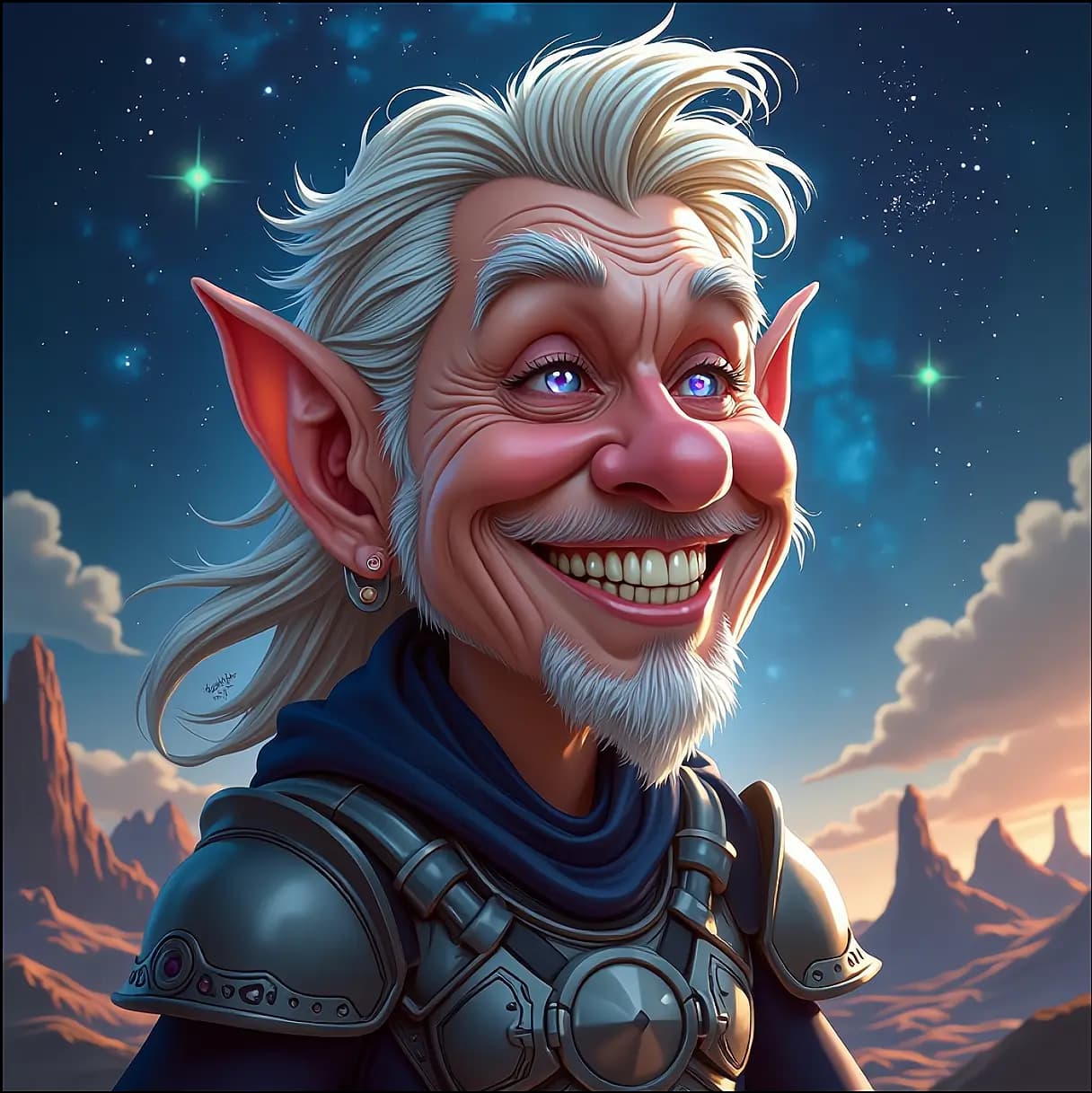
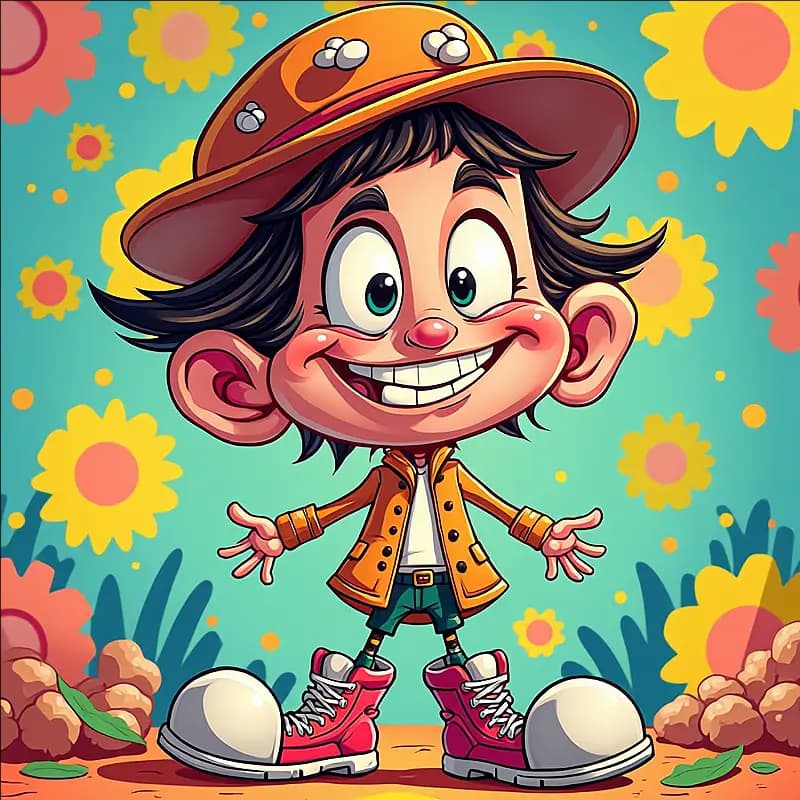
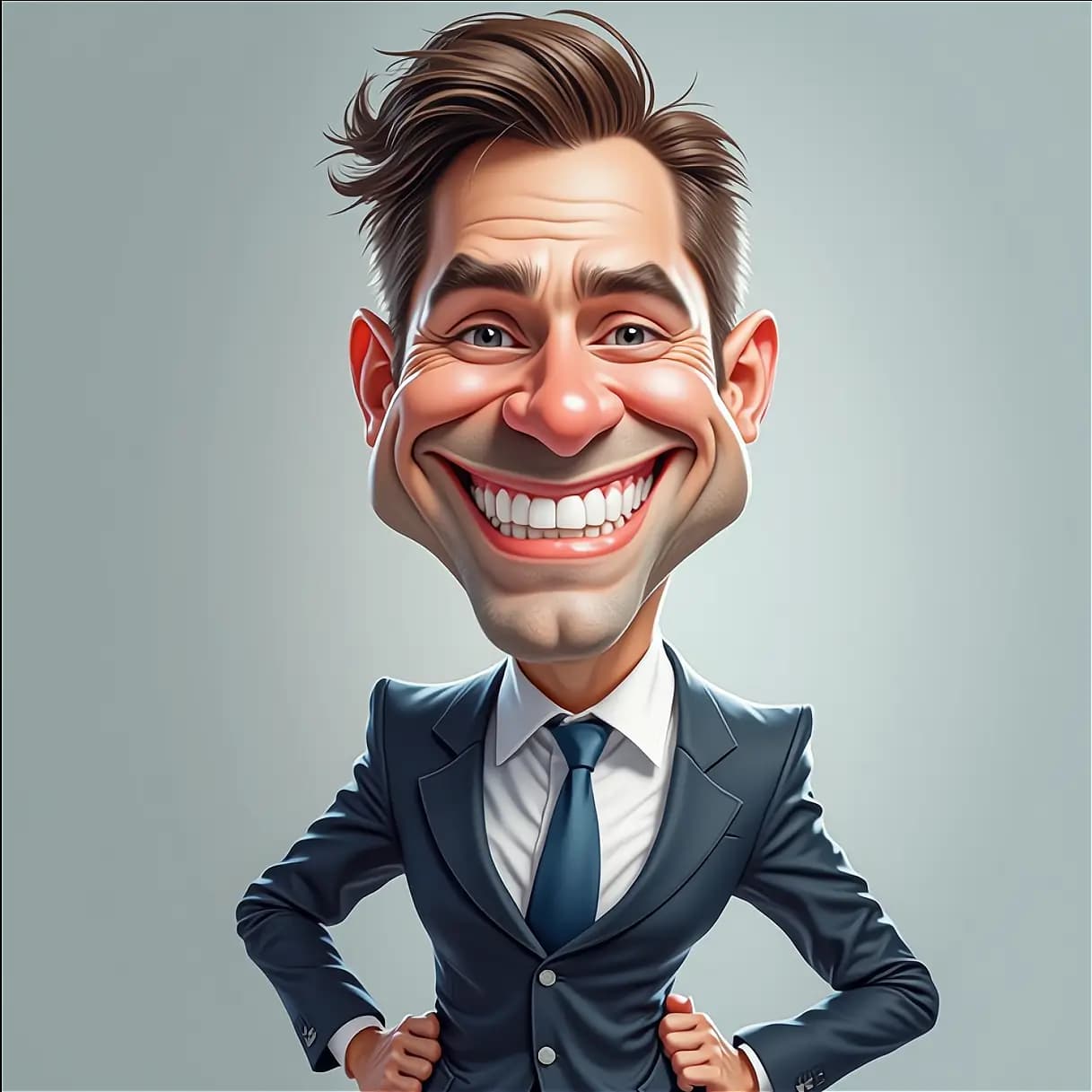
Turn a photo into a caricature with a grin your friends would recognize anywhere. Choose a drawing style for your portrait, or start with a description and invent a character of your own.
Turn a photo into a caricature with a custom prompt
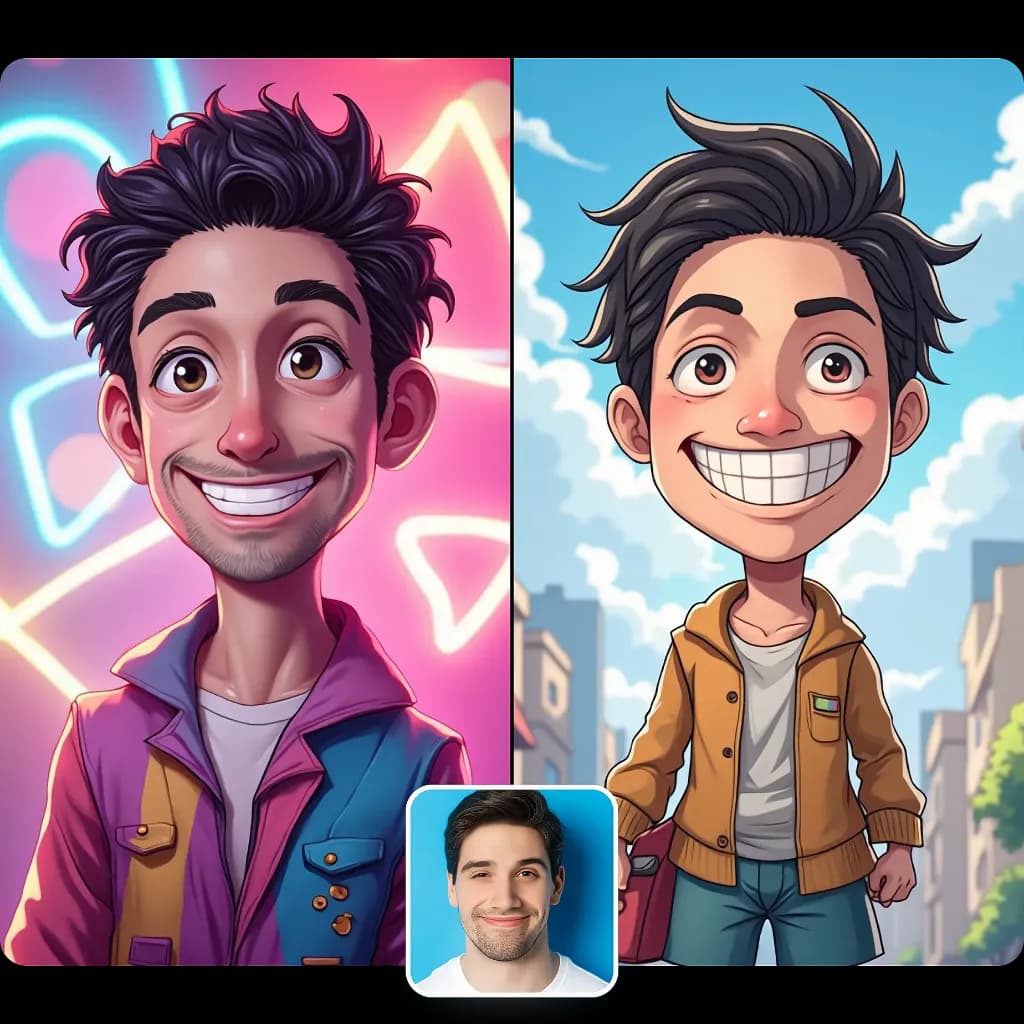
Upload a portrait and compare the before-and-after examples to find a look you like. The photo gives the caricature maker a face to work from.プロンプトにより、何を変更する必要があるかがわかります。 For a friend with a crooked smile, try “Widen the grin, keep the tilt at the corner of her mouth and draw her in her usual denim jacket.”
説明からミニマリストの似顔絵を描く
You can make a caricature without a reference photo. In text mode, describe someone in a few words, then choose the details that would still read in a small avatar. Try “A baker with flour on her cheeks and a towering white hat, drawn in black ink on a pale blue background.” For a softer portrait, ask for warm pencil shading instead.
写真を似顔絵に変える方法
Start with a clear photo and one detail you’d like to play up. If you want to see how the maker works first, pick a before-and-after pair and select 使用例写真.
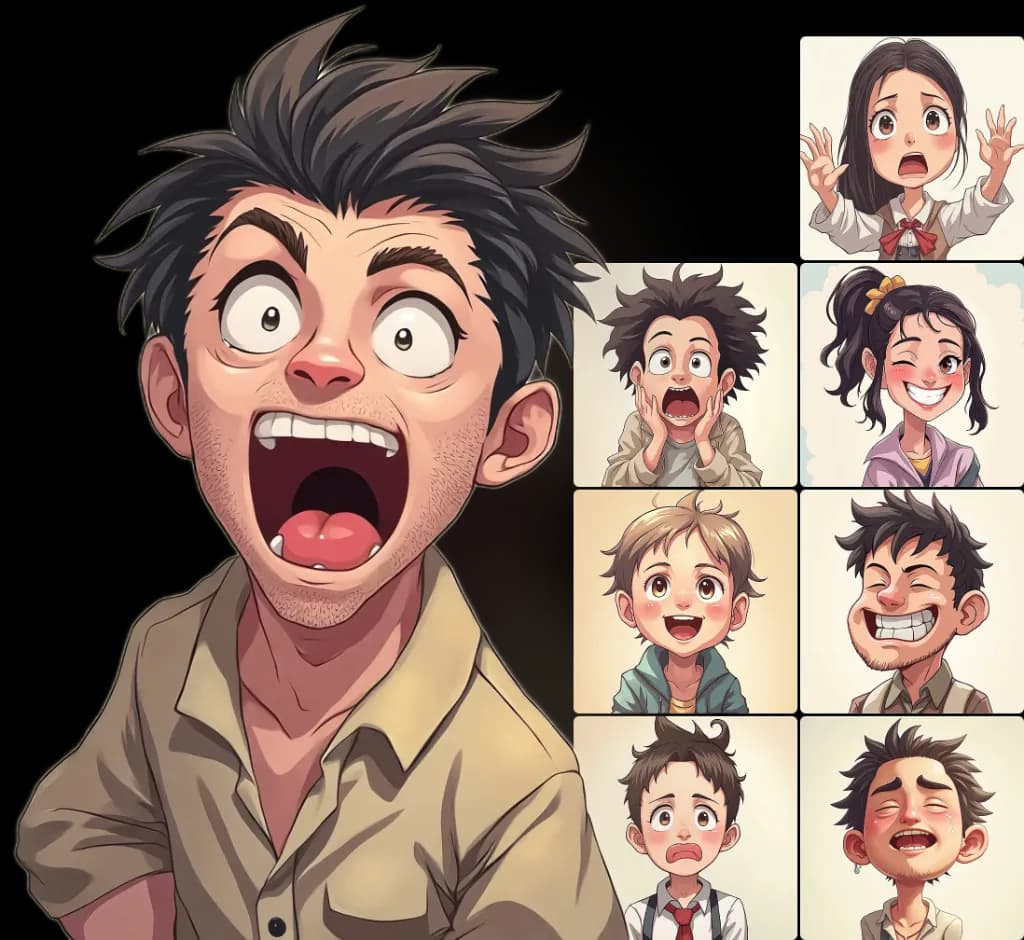
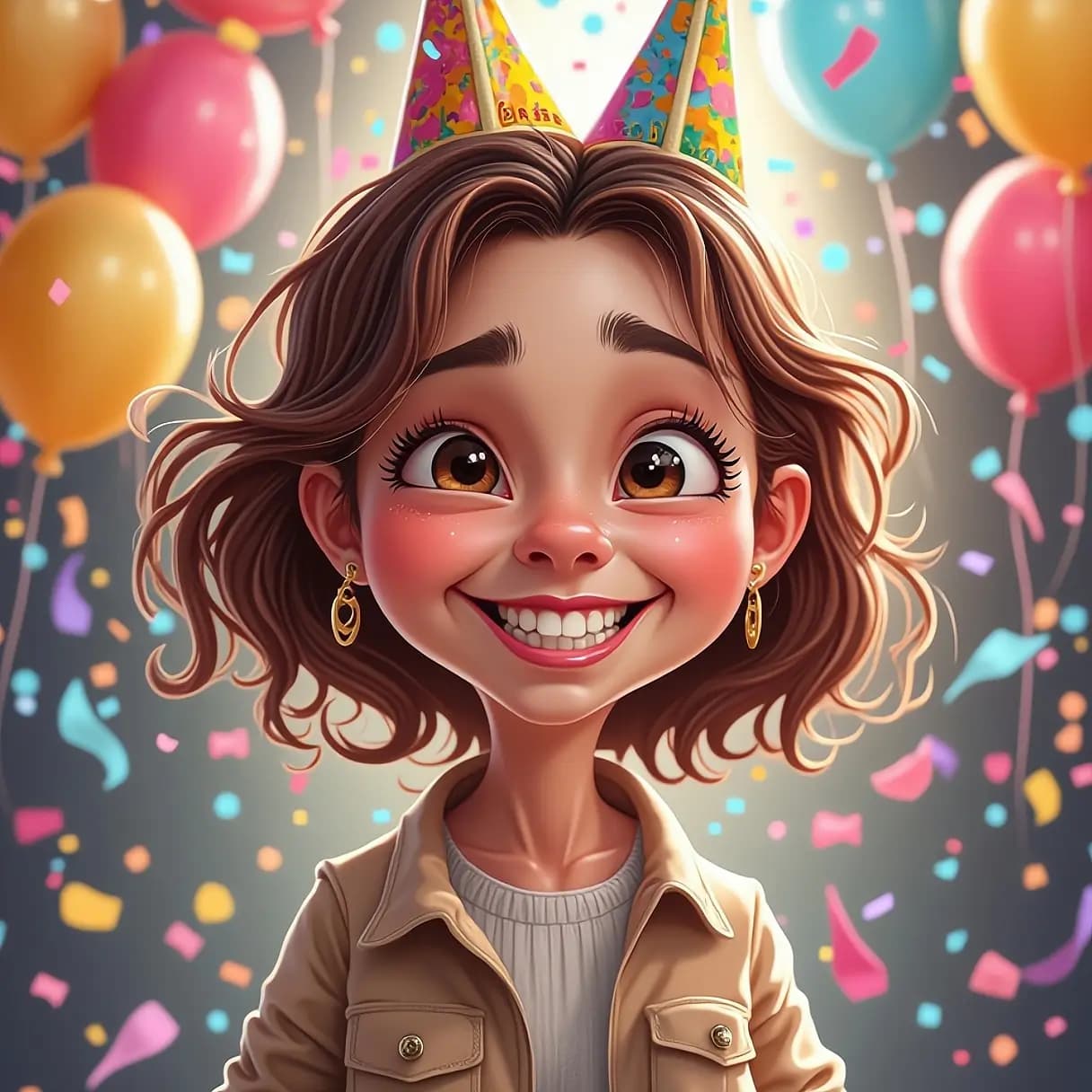
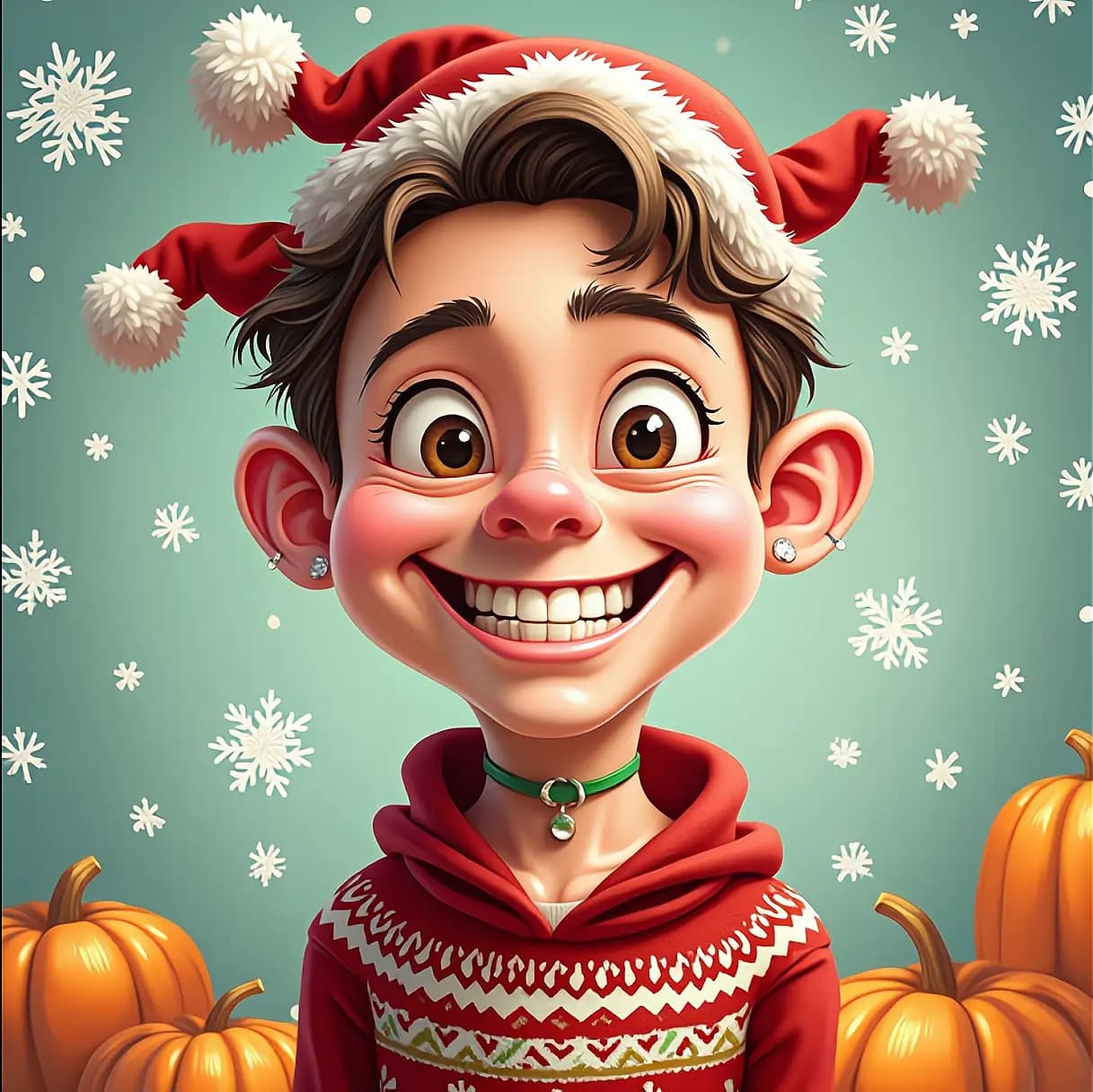
The same portrait can become a bold profile picture or a softly shaded family keepsake. The example gallery shows how much a drawing can change when you adjust the proportions, linework or setting.
 元の写真
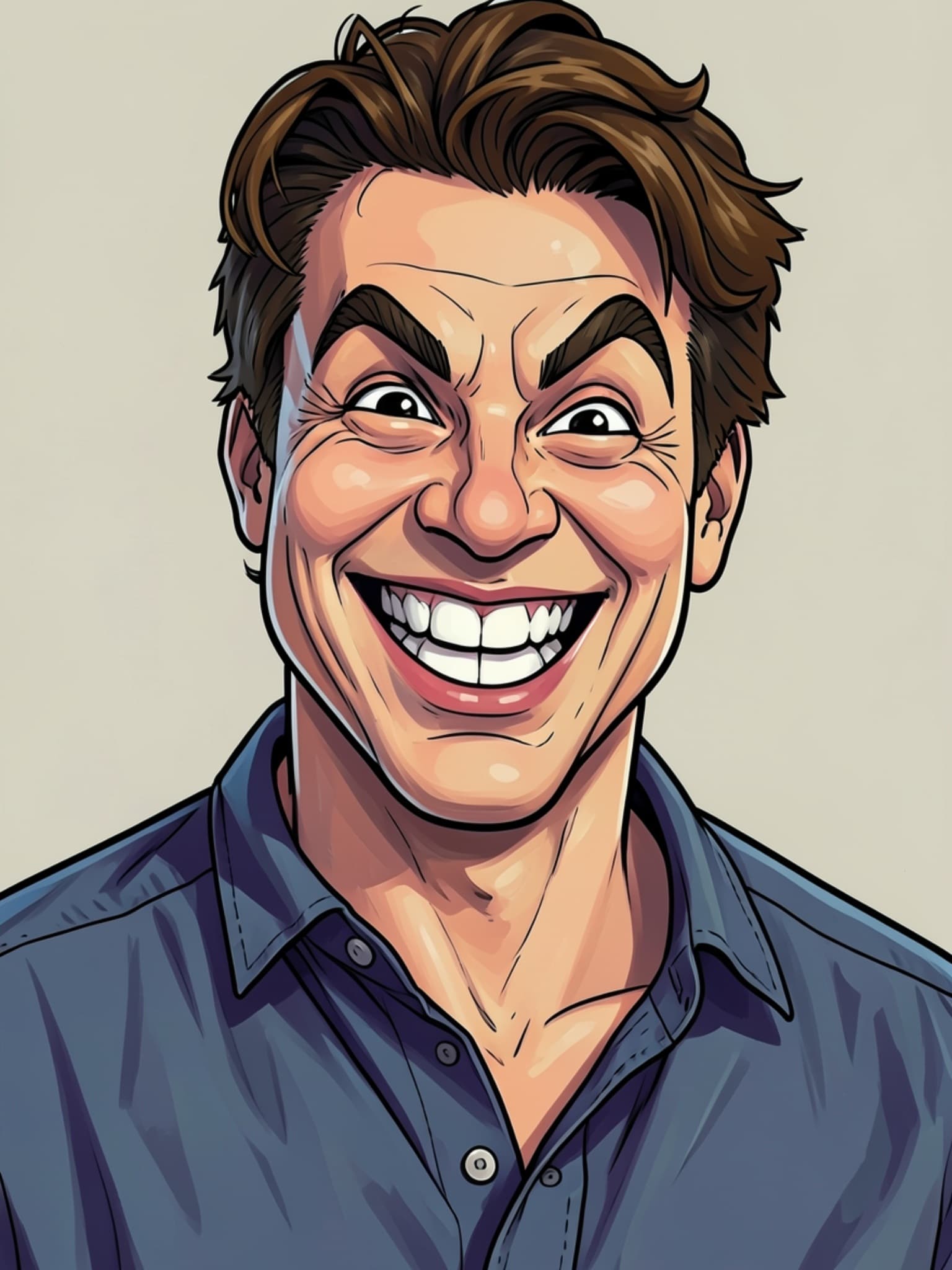 似顔絵