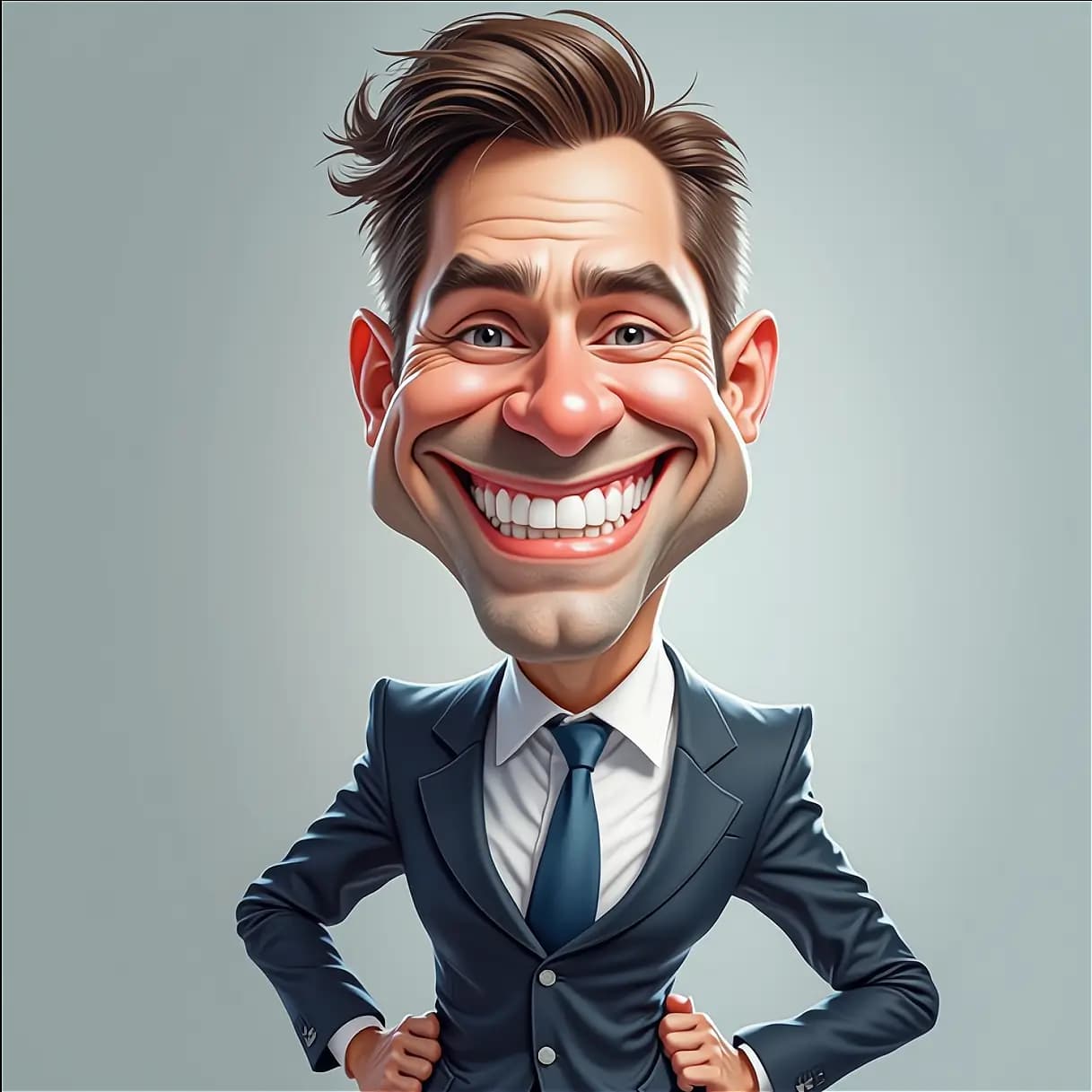
Turn a photo into a caricature with a grin your friends would recognize anywhere. Choose a drawing style for your portrait, or start with a description and invent a character of your own.
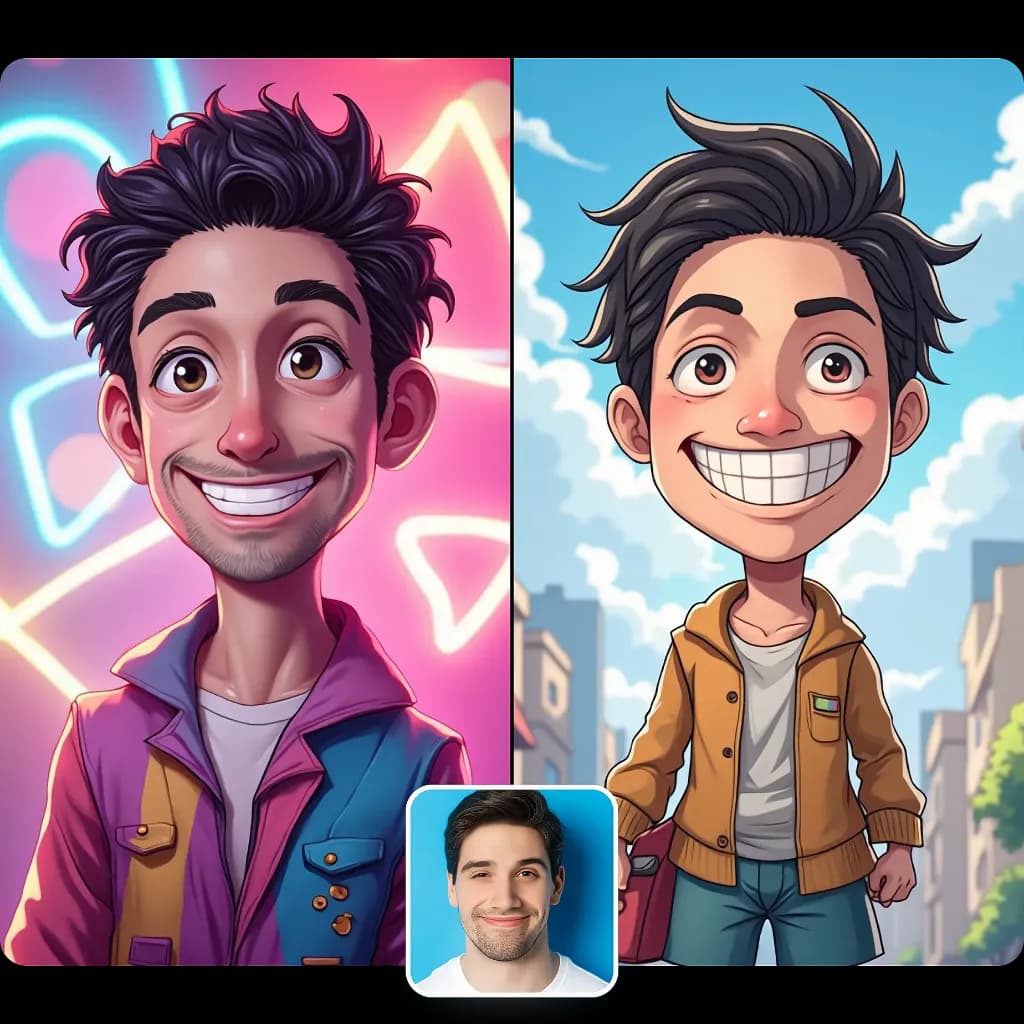
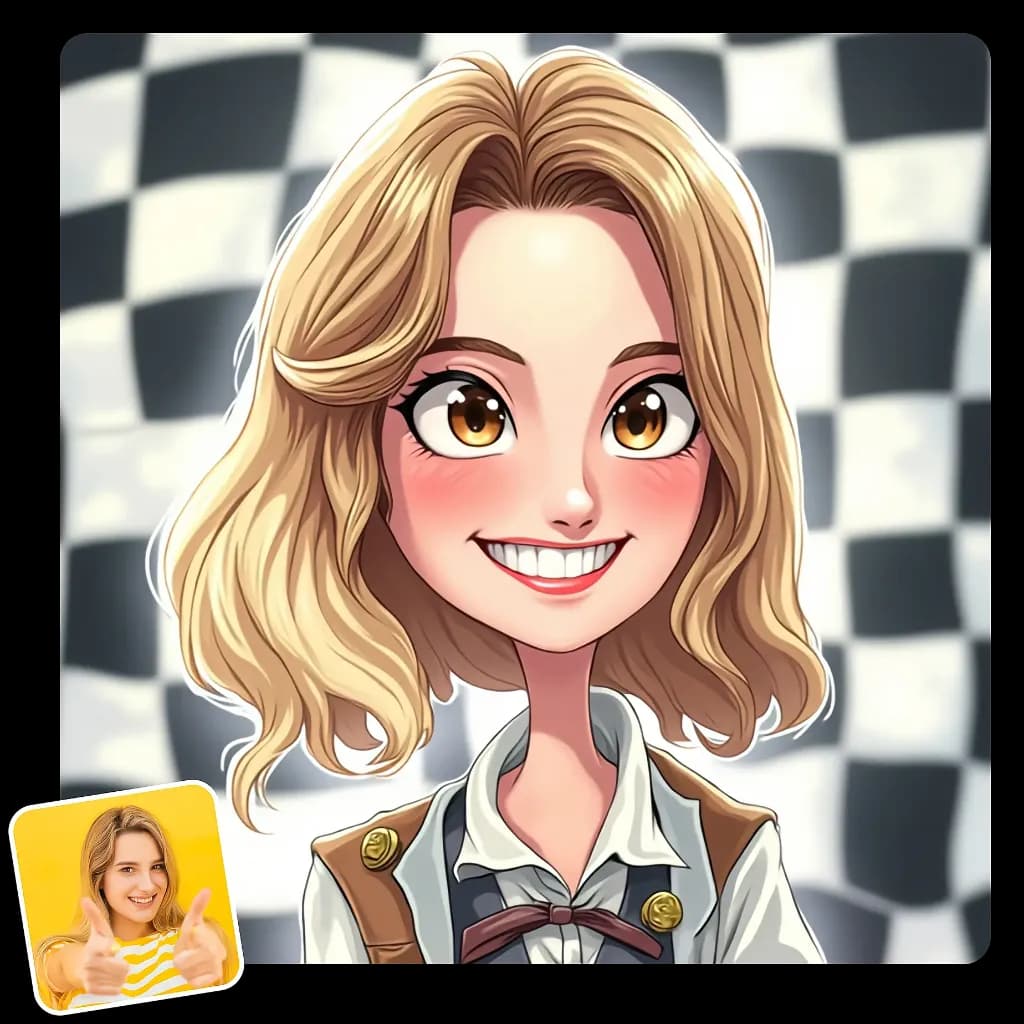
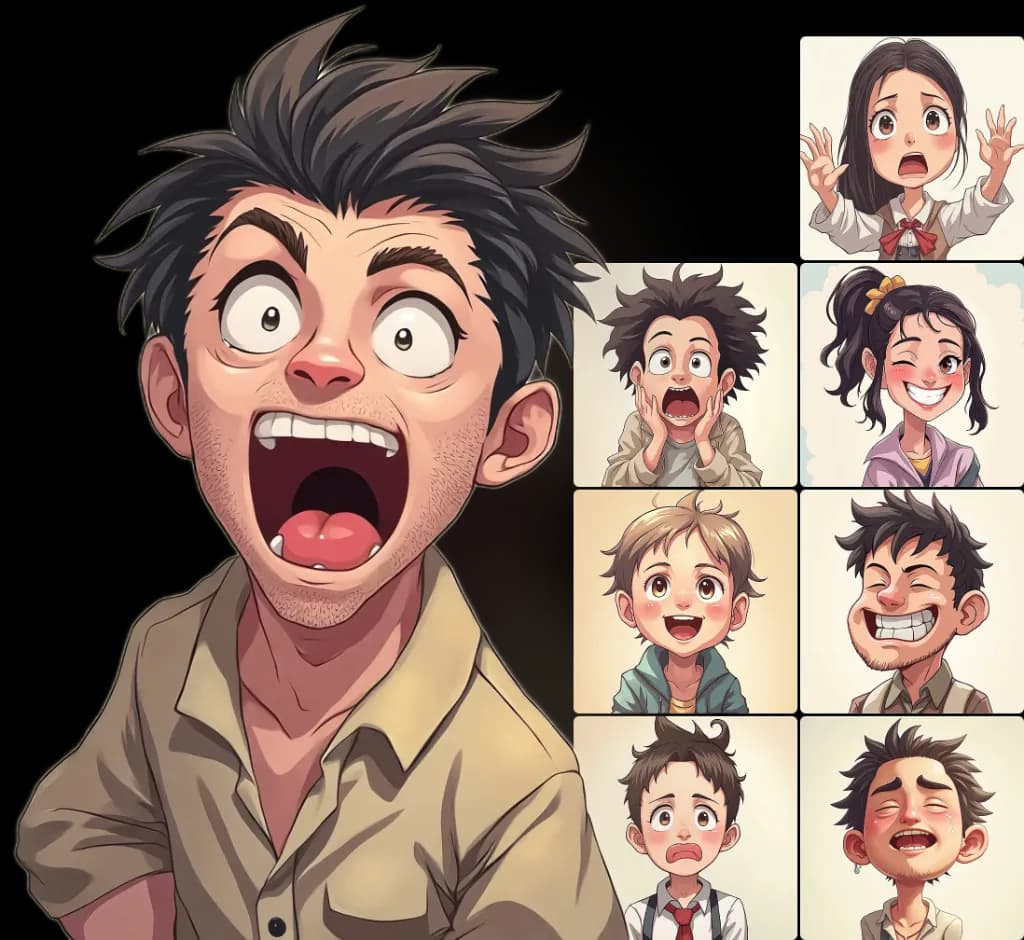
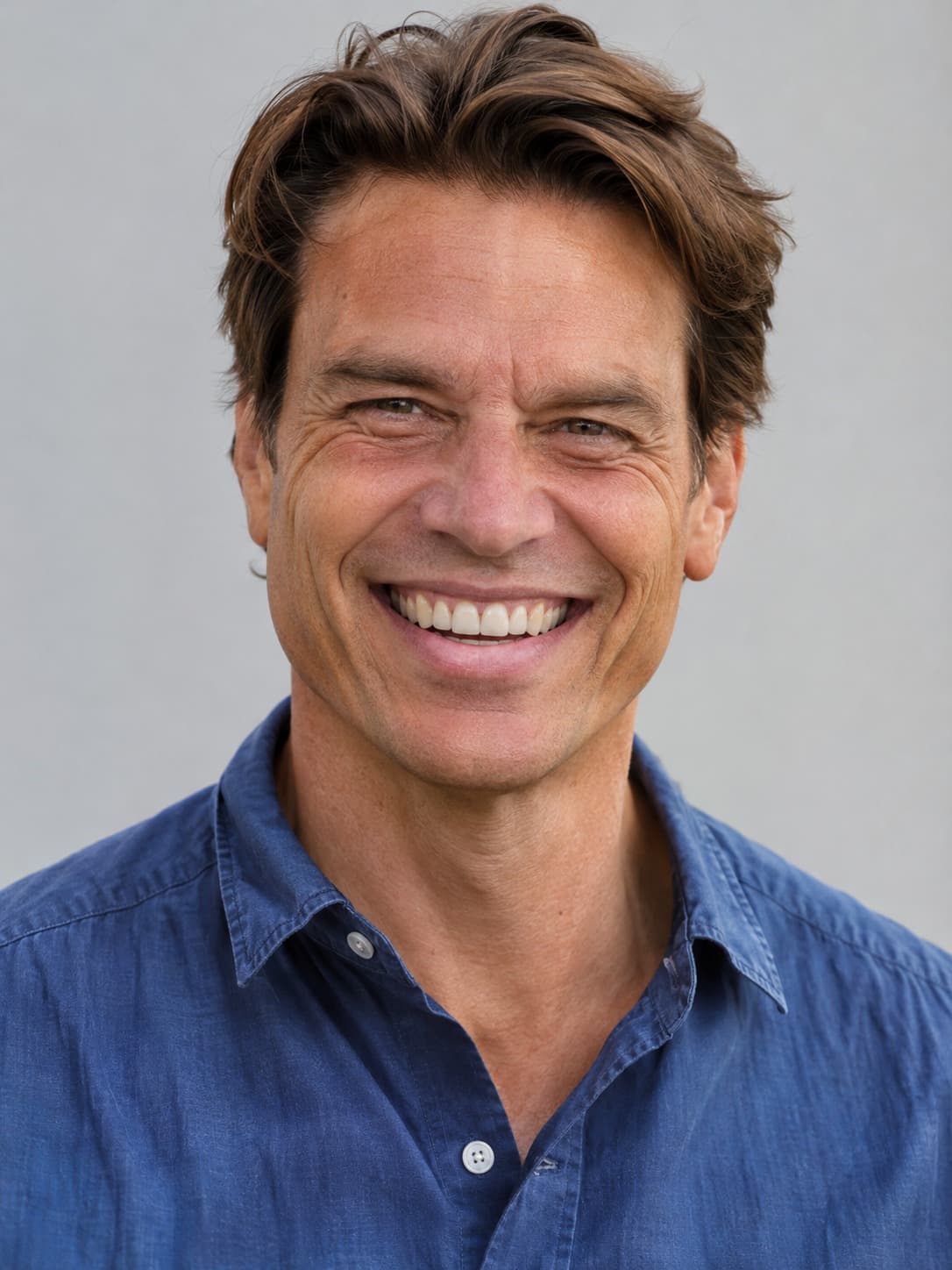
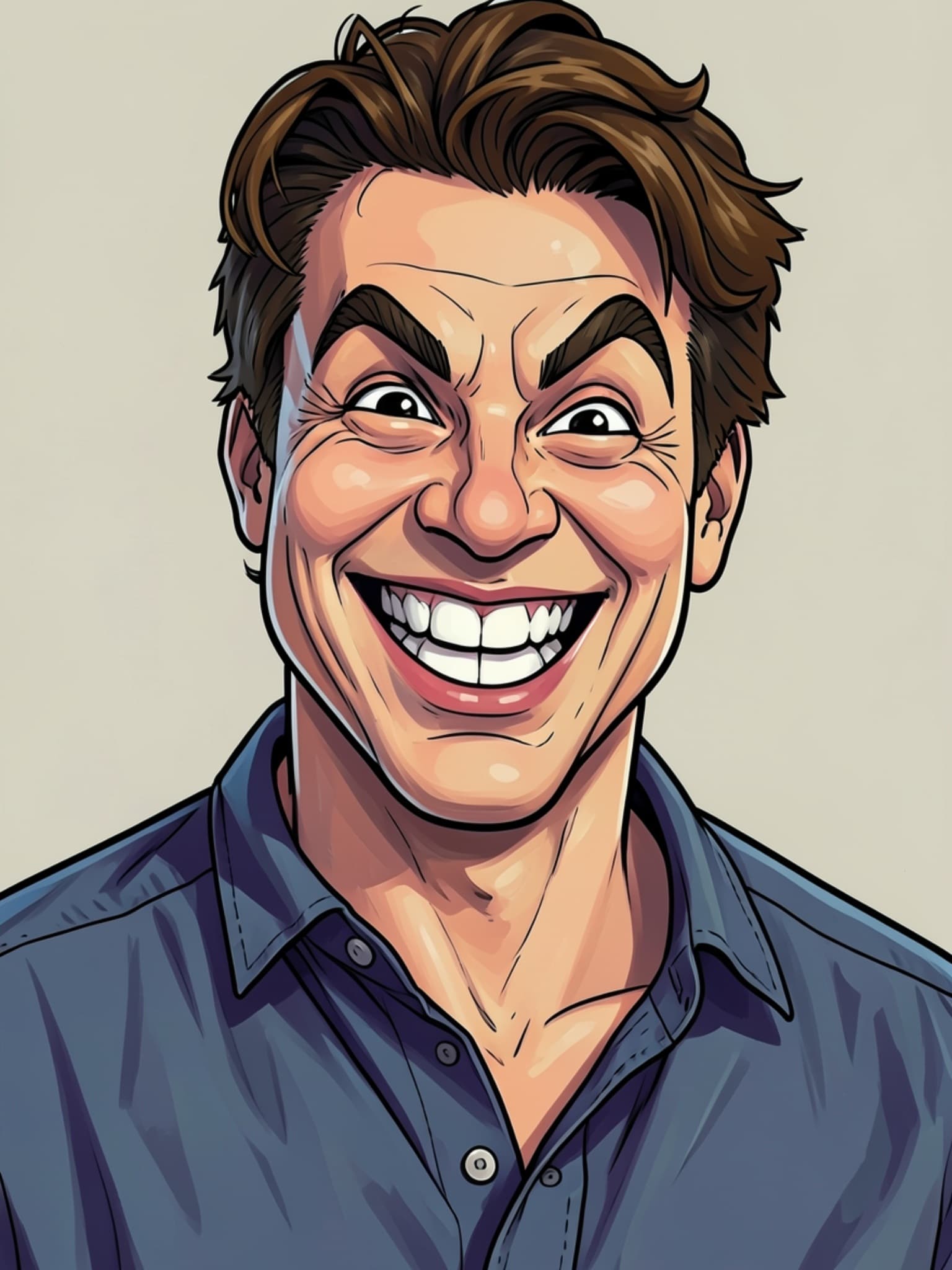
Compare the photo and drawing, then select a pair to use its prompt.
Turn a familiar face into a funny caricature
A caricature gets its humor from something you already recognize. Think of the raised eyebrow your dad gives a tall story, or the smile that takes over your friend’s whole face. Pick one of those details to exaggerate. It can be the starting point for a birthday drawing that feels personal or an avatar people recognize at a glance.
BeforeAfter
Exaggerated grin
Drawing prompt
Convert the uploaded photo of a smiling man into a bold exaggerated caricature, oversized grin, cartoon proportions, painterly shading
Turn a photo into a caricature with a custom prompt
Upload a portrait and compare the before-and-after examples to find a look you like. The photo gives the caricature maker a face to work from. Your prompt tells it what to change. For a friend with a crooked smile, try “Widen the grin, keep the tilt at the corner of her mouth and draw her in her usual denim jacket.”
Draw a minimalist caricature from a description
You can make a caricature without a reference photo. In text mode, describe someone in a few words, then choose the details that would still read in a small avatar. Try “A baker with flour on her cheeks and a towering white hat, drawn in black ink on a pale blue background.” For a softer portrait, ask for warm pencil shading instead.
How to turn a photo into a caricature
Start with a clear photo and one detail you’d like to play up. If you want to see how the maker works first, pick a before-and-after pair and select Use example photo.
1
Upload your photo
Choose a JPG, PNG or WebP image up to 10 MB. Look for even lighting and a face in focus. For a family portrait, check that you can see each person’s face before you upload.
2
Describe your style
Pick an example to load its drawing prompt, then edit it for your subject. Name the expression, pose or clothing you want to keep. Try “Give him a bigger grin and keep his round glasses.”
3
Generate the caricature
Select Create caricature when the photo and prompt look right. Our server sends them to Vheer to generate the drawing. Leave the workspace open while you wait for the preview.
4
Preview and download
Select Show original to compare the drawing with your photo. Save a version you like with Download caricature before trying another. To refine the likeness, change one detail in your prompt and generate again.
What you can do with the caricature maker
The same portrait can become a bold profile picture or a softly shaded family keepsake. The example gallery shows how much a drawing can change when you adjust the proportions, linework or setting.
Try a style on a sample photo
Use an example portrait to try the maker before choosing a photo of your own. Compare a selfie with its flat-color avatar, or see how a cartoonist’s treatment changes the shape of a dog’s ears.
Start without drawing experience
Choose a before-and-after pair to load its prompt. You can keep the preset or change a few words, such as the color of a jacket or how far to exaggerate a smile.
Check the details before you download
Look at the face, hands and smaller details in the preview. In a group caricature, check each person separately. Download the version you want to keep on your device.
How your image is processed
Selecting a photo opens a preview on your device. When you generate a caricature, our server sends your photo and prompt to Vheer. In text mode it sends your description with a blank canvas. You can read the privacy policy beside the generator.
Guide the drawing with words
Ask for bold ink outlines for a comic portrait, or softer brushwork for a wedding caricature. For a pet, describe the crooked ear or patch of white fur that makes the animal yours.
Keep the likeness as you exaggerate
Give the generator a clear view of the face and tell it which feature matters most. If the eyes look right but the grin feels unfamiliar, keep the eye description and ask for a smaller, lopsided smile.
Six ideas for your next caricature
A good starting point is something the person loves doing. A familiar pose or a favorite prop can say as much about them as the shape of their face.
Personalized gifts
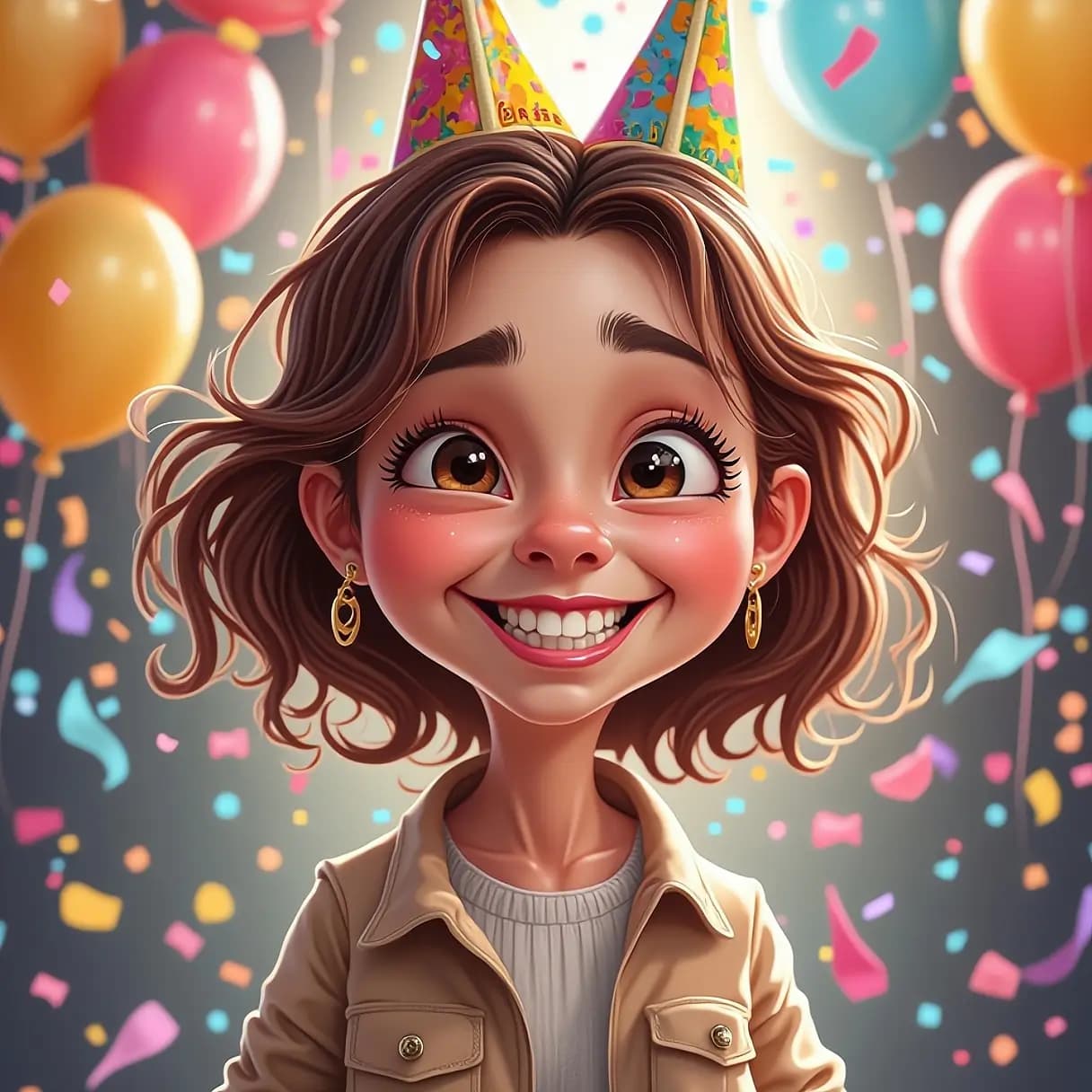
Draw your dad in the apron he wears at every family barbecue, or turn a couple’s wedding photo into an anniversary card. A detail the recipient will recognize usually makes a better birthday joke than a generic party hat.
Sports caricatures
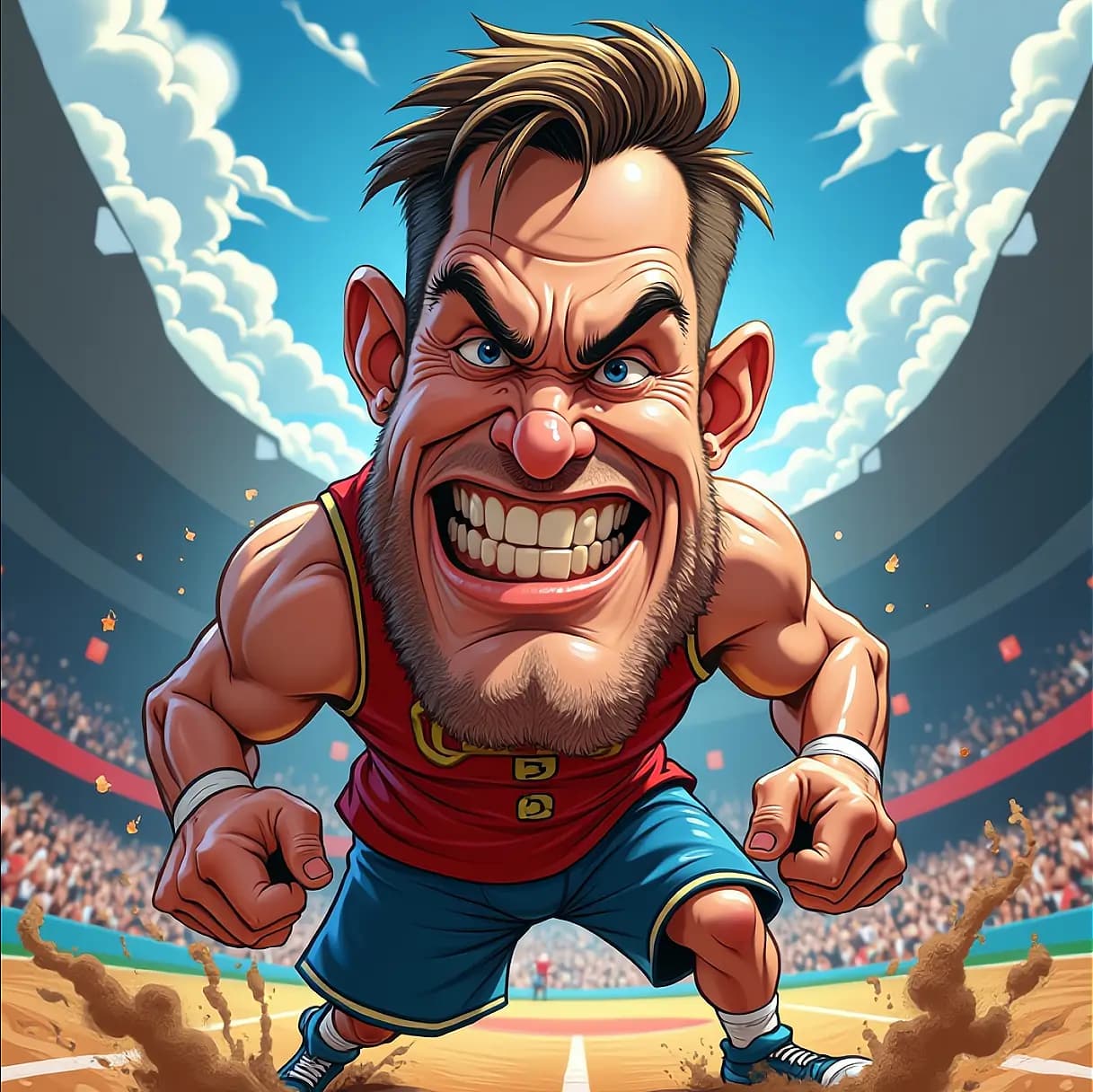
Start with an athlete mid-stride or winding up for a shot. Ask for a longer leap or a bigger follow-through, and keep the team colors and jersey number that fans will recognize.
Holiday cards
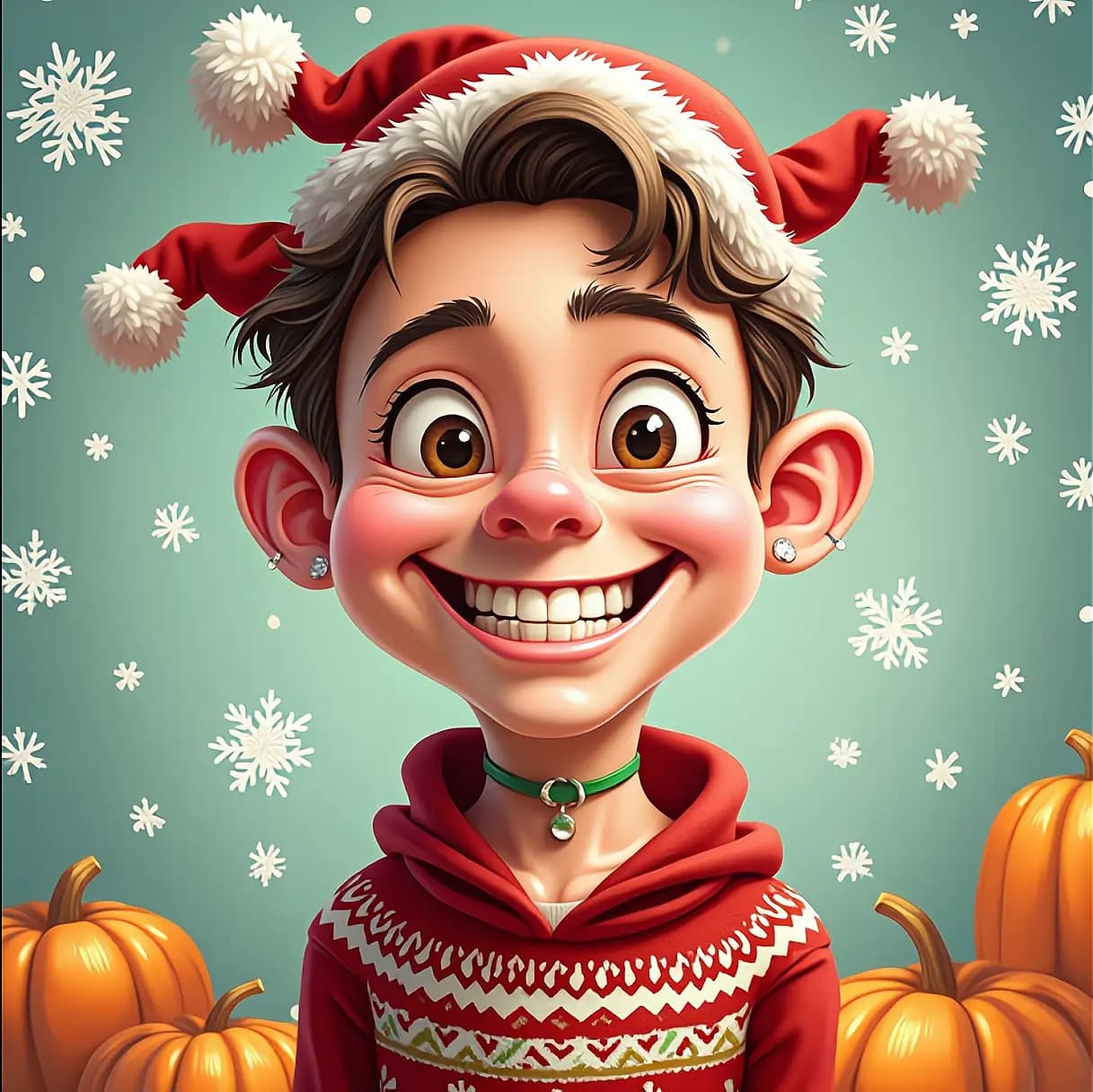
Put the family in their Christmas sweaters, give the dog a Halloween costume or draw everyone ringing in the New Year. Leave room around the faces if you plan to add a greeting later.
Fantasy and sci-fi portraits
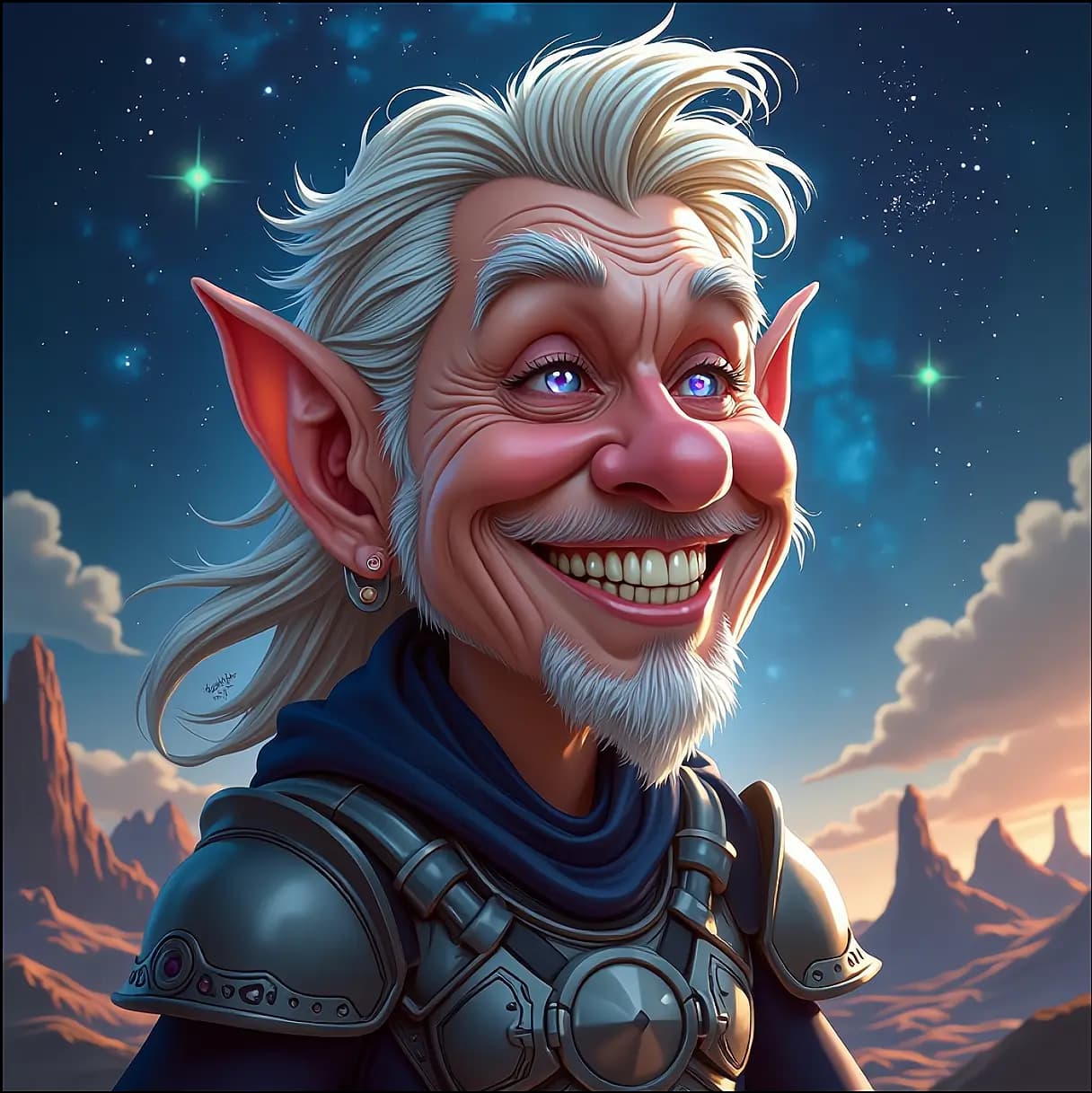
Keep a familiar face and change the world around it. Try a long-eared forest guide with a lantern, or a pilot peering through an enormous space helmet. Text mode works well for characters you’ve invented.
Cartoon avatars
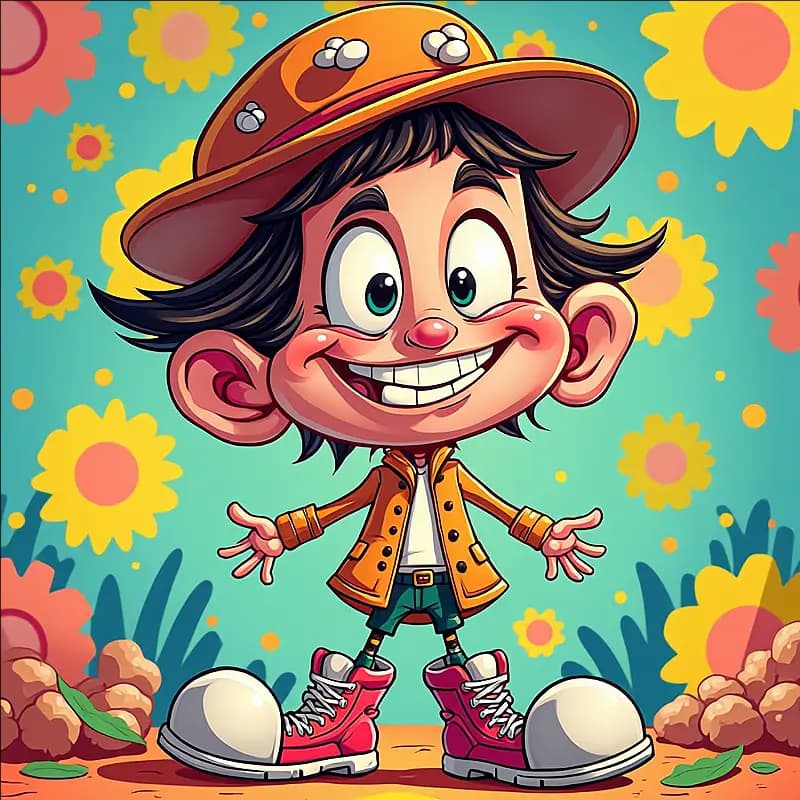
For a social profile, try a close crop, bold outlines and a plain background so the expression reads at a small size. For a musician’s poster, bring the instrument back into the frame and turn up the color.
Business caricatures
Give a team profile or a speaker bio a little personality. Keep the glasses or hairstyle colleagues know, then add one clue to the person’s work, like an architect’s rolled plans or a baker’s flour-dusted apron.
Frequently asked questions about caricatures
Here’s how to choose a reference, write a drawing prompt and keep the parts of a face that make it familiar.
A caricature is a portrait that exaggerates a distinctive feature or gesture. An artist might stretch a long chin or draw a smile almost as wide as the face. Part of the pleasure is recognizing the person even when the proportions are playful.
In photo mode, the generator uses your image as a reference and your prompt as drawing instructions. The same face can look quite different in a flat cartoon and a painterly portrait. Compare the before-and-after examples to see which treatment you prefer.
Upload a clear selfie and choose a style you like. Mention a familiar feature, such as your freckles or the way one eyebrow lifts when you smile. Select Create caricature, then use Show original to compare the drawing with your selfie.
Yes. Choose a pair from the example gallery and select Use example photo. Edit the prompt to try a different expression or background. You can switch to your own photo when you find a look you like.
Ask for natural skin tones and restrained shading, and choose just one feature to exaggerate. Keeping the hairline, face shape and expression close to the reference helps the person stay recognizable. Review the preview because small details can change.
You can create and download the drawing in your browser on Caricaturer.io. If you’re making a birthday card or a team poster, you can open the downloaded image in your usual design software to add lettering or arrange it on the page.
Select Text to caricature to draw a character without a photo. Describe the face, what the character is doing and the kind of drawing you want. Try “A violinist leaning into the final note, curls flying, in loose black ink.”
Choosing a file shows a local preview. When you select Create caricature, our server sends the image and your drawing prompt to Vheer for processing. The privacy policy is linked in the workspace so you can review it before submitting a portrait.
Try a comic avatar, a painterly portrait, a family illustration or a pet caricature. Pick a gallery example close to your subject. With a family, keep everyone’s face visible. For a pet, include its markings and the shape of its ears in the prompt.
Start with an expression the person actually makes. If your friend squints when she laughs, ask for a wider grin and keep the squint. Save your favorite version before experimenting with a more exaggerated pose or a different drawing style.
Who would you like to draw?
Pick a portrait for a birthday card, try a new look for your profile picture or describe a character you’ve been meaning to draw.
 Before
 After